 People Finder
Find any colleague in Teams in a second, however you spell their name
Smart search that understands Arabic and English: ignores hamza variants, takes first and last name in any order, and matches «محمد» with “Mohamed”. It runs entirely inside your organization's Microsoft 365, with no server.
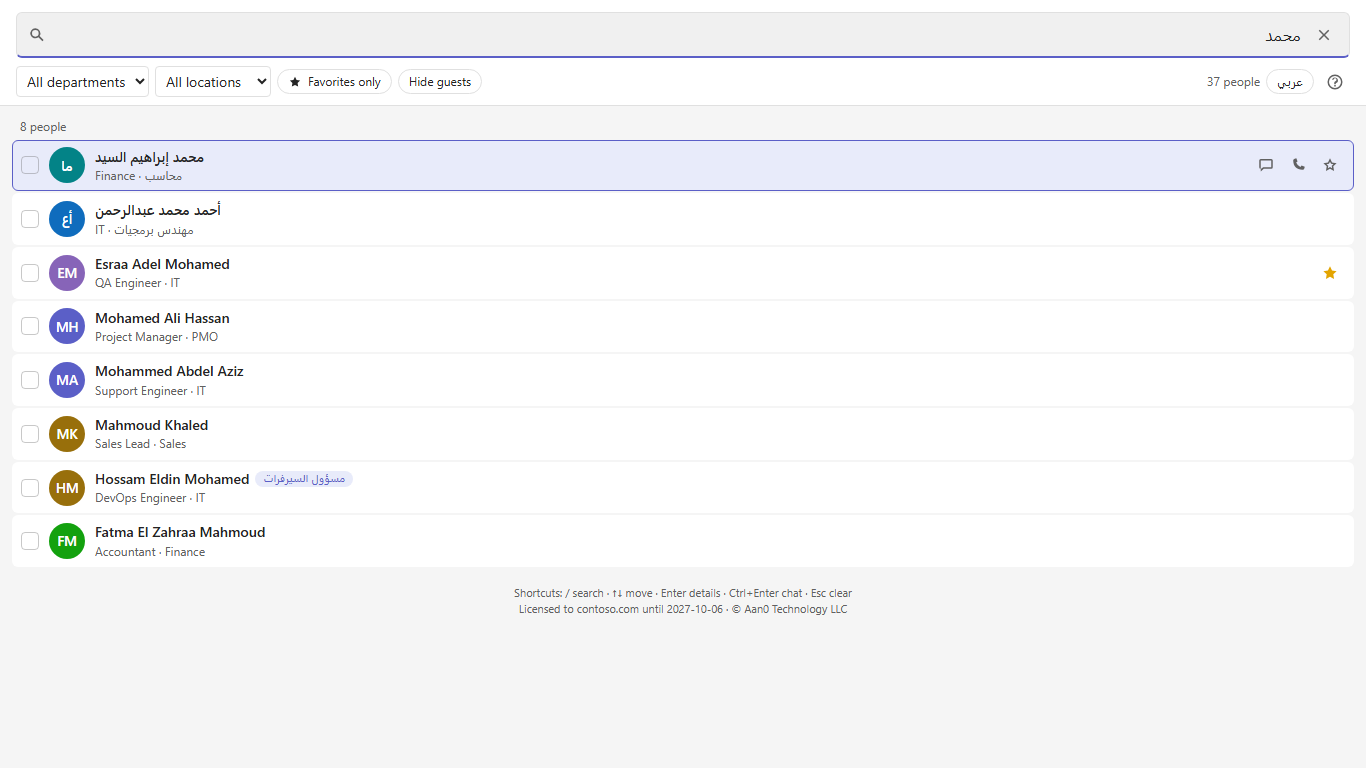
Teams search doesn't understand Arabic names. People Finder does.
Everyday problems with Teams search, and how People Finder solves them.
| Standard Teams search | People Finder |
|---|---|
| «اسراء» does not find «إسراء» | Ignores hamza (أ إ آ), taa marbuta (ة/ه), alef maqsura (ى/ي) and diacritics |
| You must type the name in the right order | “Ahmed Abdelrahman” finds “Ahmed Mohamed Abdelrahman”: any order, middle name optional |
| Arabic names don't show up when you search in English | khaled = خالد, Mohamed = Muhammad = محمد, and mixed queries like “ghada فتحي” |
| One typo means no results | Typo tolerant: “mostfa” finds “Mostafa” |
| “Abd El Rahman” ≠ “Abdelrahman” | Matches names with or without spaces |
| Slow in large organizations | Results on every keystroke: about 25 ms across 30,000 employees |
Everything you need to reach people and stay organized
Fast search, plus simple tools that make everyday communication easier.
Instant search
By name, email, job title, department or phone number, with results on every keystroke.
Arabic ↔ English
Matches Arabic names with their English spelling and back, and accepts mixed-language queries.
Favorites
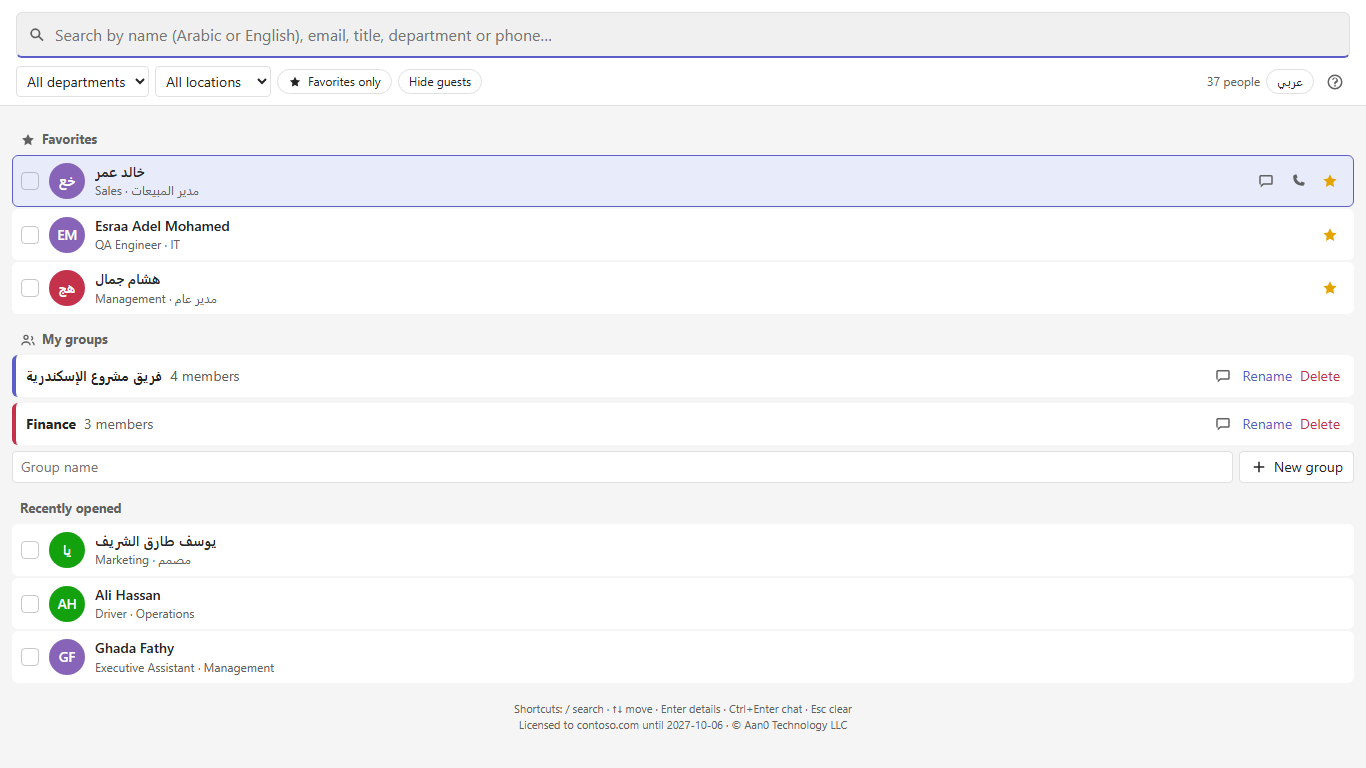
The people you contact every day, at the top of the page and ranked higher in results.
My groups
Your own teams and committees: group chat, meeting or email with everyone in one click.
Private, searchable notes
Add a nickname, tags or a note to anyone (“server admin”) and search by them later. Only you see them.
One-click contact
Chat, audio or video call, meeting or email, straight from a search result.
Org chart
Each person's manager and direct reports, with presence (available / busy) and photos.
Arabic & English, light & dark
A bilingual interface that follows the Teams theme, with keyboard shortcuts and an in-app user guide.
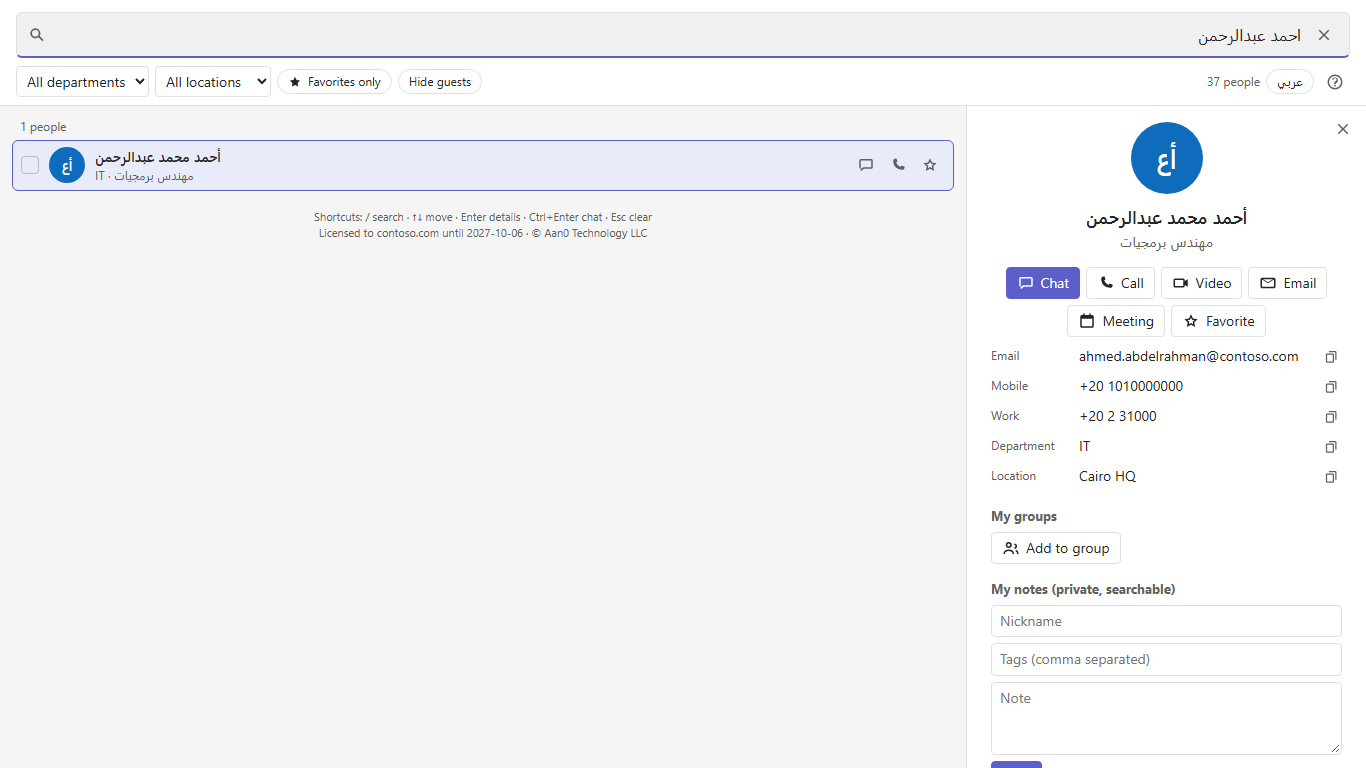
Inside the app
Screenshots with sample names and data.
Built for government and enterprise
Nothing outside your organization's Microsoft 365: no server, no database, no third parties.
- No server, no hosting A SharePoint Framework package uploaded to, and served from, your own SharePoint.
- Data never leaves Microsoft 365 The directory goes from Microsoft Graph straight to the employee's device. Nothing reaches us.
- Read-only permissions The employee's own delegated access, approved by your administrator. The app cannot change anything.
- No tracking or analytics No telemetry, no cookies, no external fonts or scripts.
- All Microsoft 365 controls apply Conditional Access, multi-factor authentication and audit logs.
- Licensed per organization Each package runs only inside the organization it was issued for, until its license date.
Full details in the privacy policy.
Deployed in 10 minutes
One file, uploaded by your Microsoft 365 administrator. Nothing to install on employee devices.
-
Upload to SharePoint
SharePoint admin center → Apps → upload your organization's .sppkg file.
-
Approve permissions
SharePoint admin center → API access → approve directory read access.
-
Add to Teams
Click “Add to Teams” and the app appears for everyone in Teams → Apps.
-
(Optional) Pin it for everyone
From Teams admin center, it shows up in every employee's left bar automatically.
FAQ
Do you keep our employees' data?
No. The app never contacts any server of ours. Data goes from Microsoft 365 straight to the employee's device, where a copy is cached only to make search fast.
Does it work on mobile and the web?
Yes, in every Teams client: desktop, web and mobile.
Which permissions does it need?
Directory read (User.Read.All) and, optionally, presence (Presence.Read.All). Both are read-only and are approved by your SharePoint administrator.
Does it need an extra Microsoft license?
No. A Microsoft 365 subscription that includes Teams and SharePoint Online is enough.
How does licensing work?
Each organization gets its own package, tied to its Microsoft 365 tenant, with an agreed expiry date. An in-app notice appears 14 days before it ends; renewing is a new package uploaded over the old one.
Do we need to set anything up on employee devices?
No. Once uploaded to SharePoint and added to Teams, it is available to everyone.
Want People Finder for your organization?
Get in touch and we'll prepare a trial package tied to your Microsoft 365.
sales@aan0.com